- Log into the Hosting Control Panelof your Zahid Server account.
- Navigate to the the Zacky Installer section.
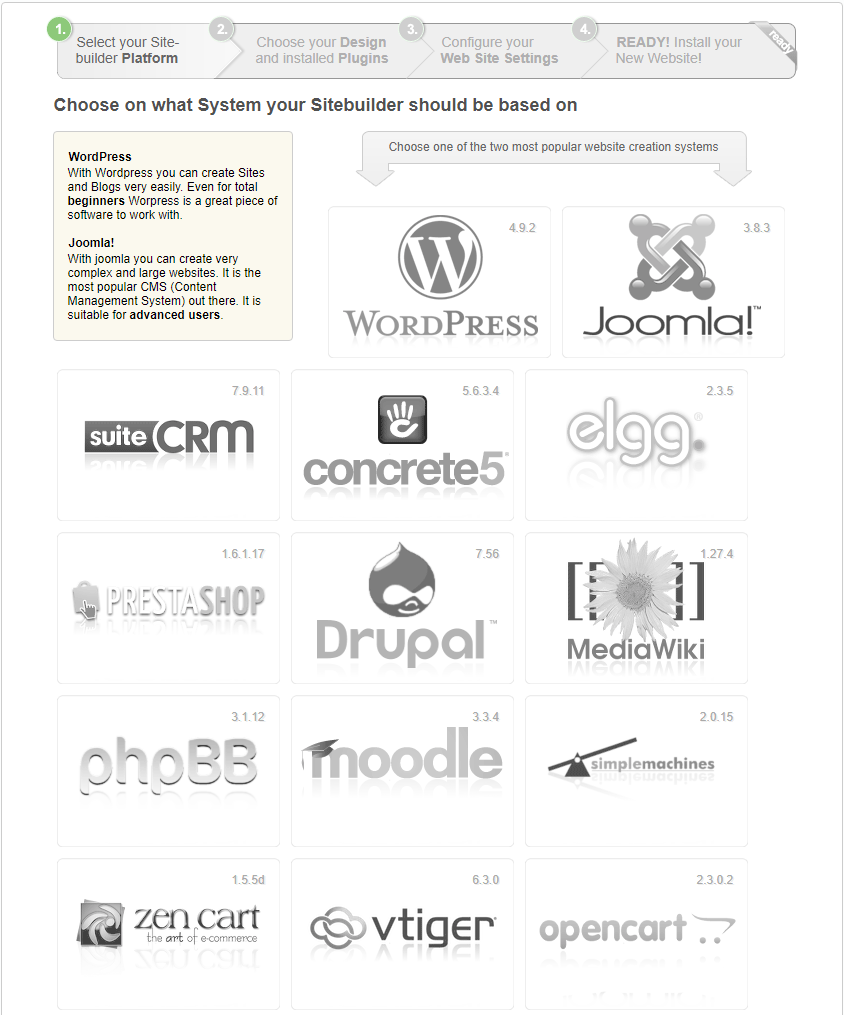
- Choose a software that suits your needs.
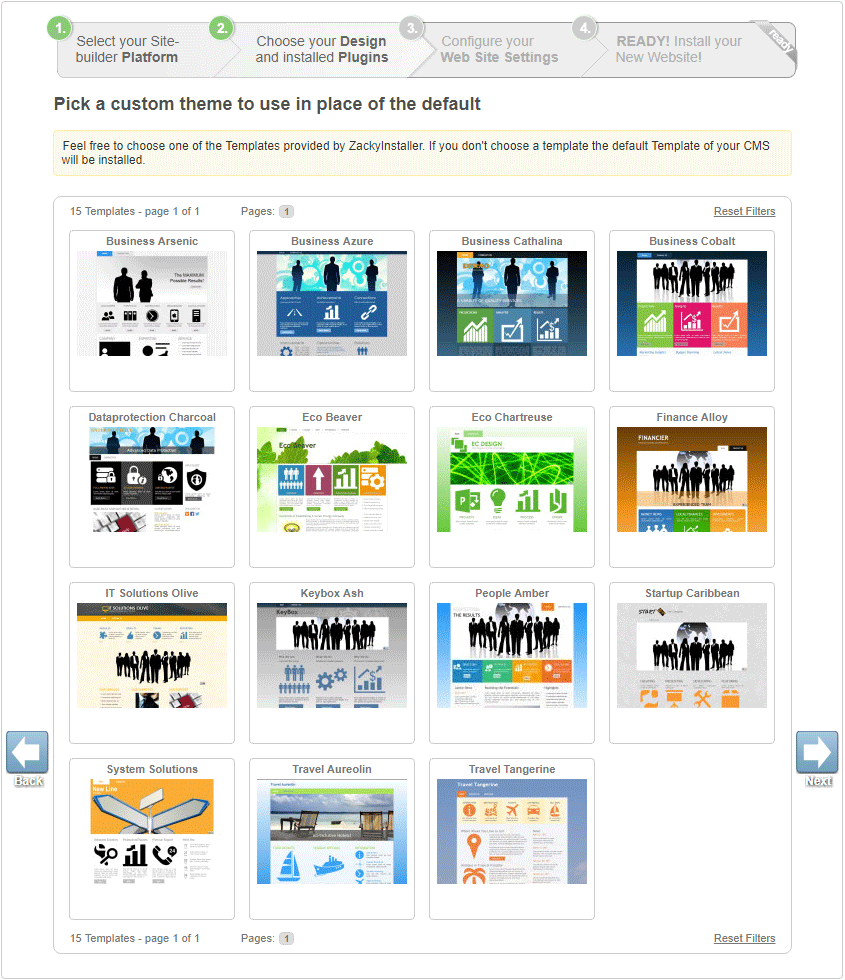
- Select the theme that you wish to use and click Next. If you do not select a theme, the default theme will be installed on your website.
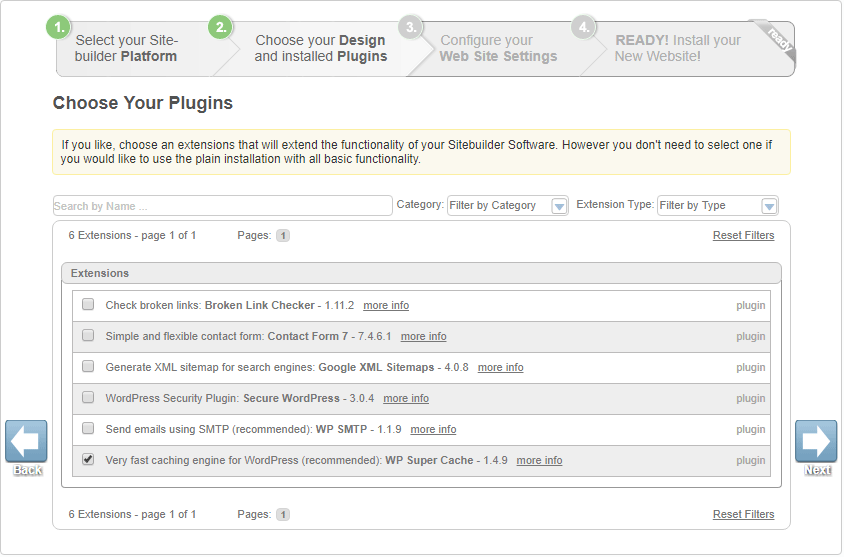
- On the next page, you will see a list of available plugins (extensions). Select those that you’re planning to use and press Next.
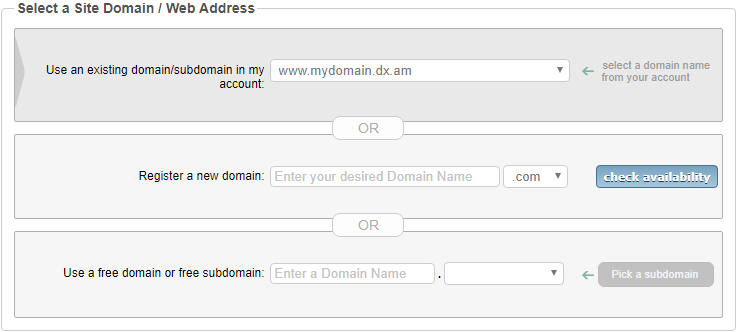
- From the Use an existing domain/subdomain name in my account menu, select your domain/sub-domain name.
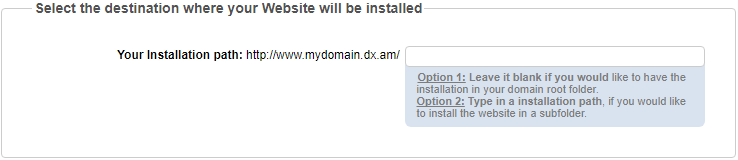
- Next, you will be prompted to specify the installation path. If you want your application to be installed in the root directory of your website, please leave an empty path. Otherwise, please specify the name of your sub-directory (e.g. blog/).
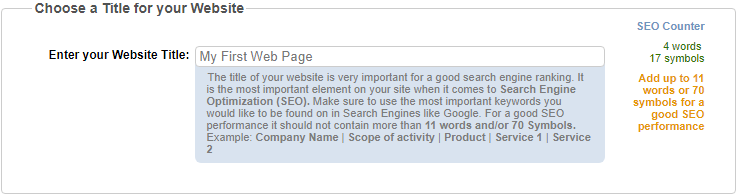
- Type your title in the Enter your Website Title text field.
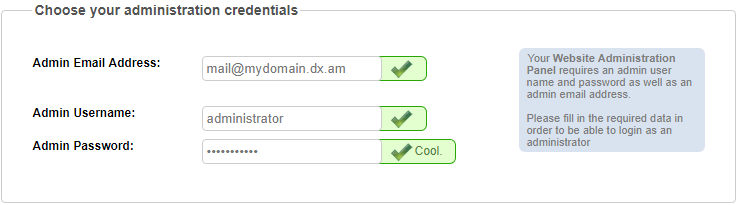
- Enter your e-mail address, choose an administrative username and password for your site and click Next.
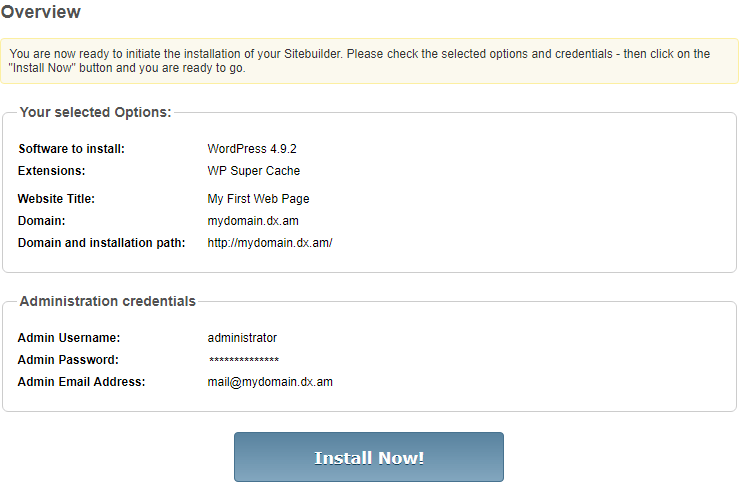
- Verify your website preferences and credentials, and then press Install Now!.
- Please allow some time for our script installer to finalize the process.
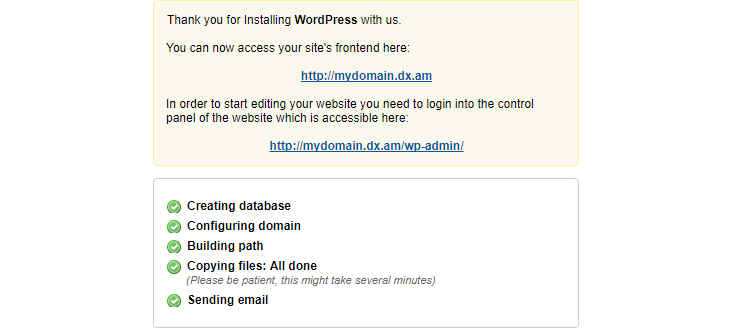
Congratulations! Your desired application has been installed successfully and is now ready for management.
Comments
Post a Comment